
Explore the Greek node’s experimental services and research environment. Sign-in and resource authorization are managed by the individual services.
Jupyter notebooks
Launch notebooks through the lab’s JupyterHub environment. Sign in and choose from the configurations available to your account.
Open serviceAuthentication portal
Open the identity service used by the experimental infrastructure. Service access depends on your account and permissions.
Open serviceSLICES-CLI
Use the SLICES command-line interface from Jupyter or your own computer. Follow the official installation and command guide.
Open serviceNITOS scheduler
Check NITOS resource availability and book the nodes and times for your experiment. Sign in to manage your reservations.
Open serviceS3 long-term storage
Store and retrieve research data with S3-compatible storage, available with SLICES-RI credentials.
Open serviceFrom radio access to distributed computing
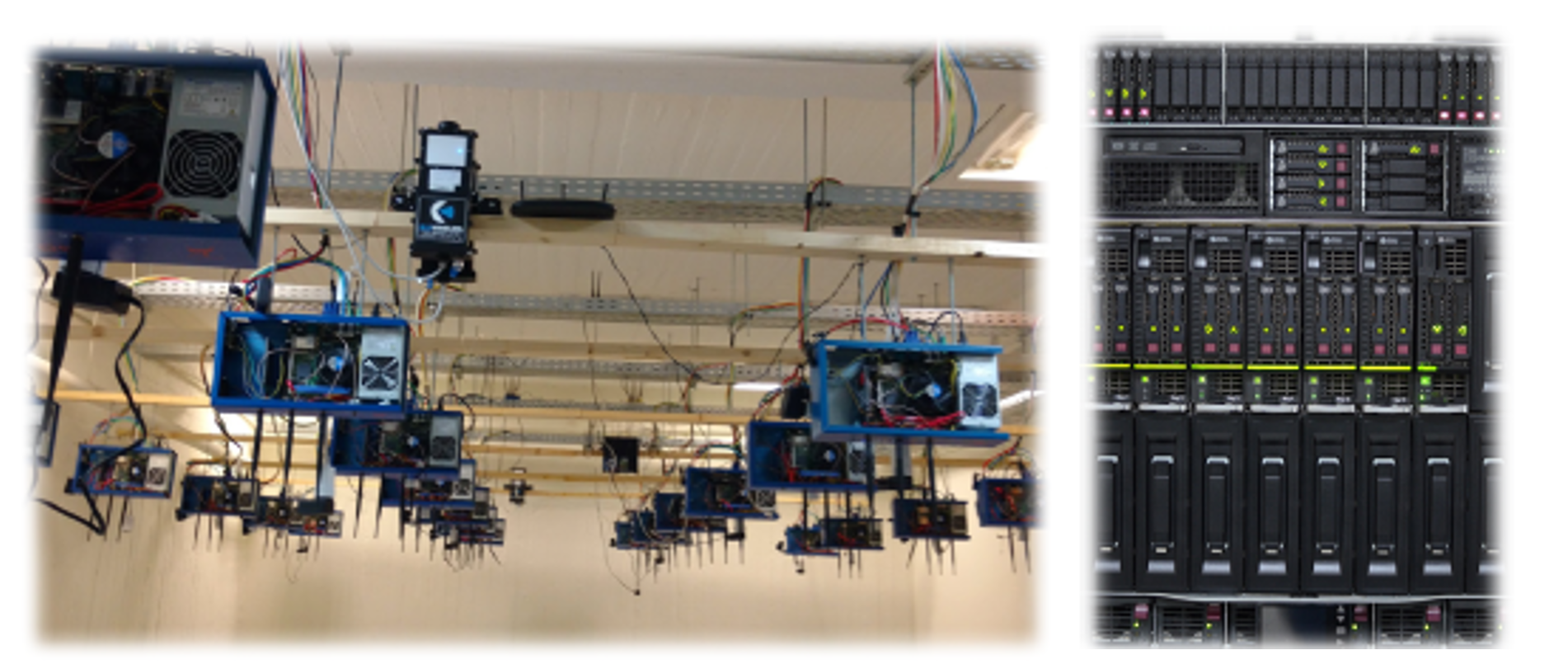
The UTH research ecosystem covers wireless and programmable wired networking, software-defined radio, cloud and edge computing, and IoT.
Wireless and post-5G research
The May 2025 node presentation describes open radio access experimentation with software-defined radios and LITEON O-RUs, together with support for the SLICES post-5G blueprint. It also describes GNSS and PTP synchronization.
Programmable networking and computing
The presentation describes P4-programmable SmartNICs, distributed storage using Ceph, and S3 interfaces through MinIO. These are infrastructure capabilities; public service endpoints and access arrangements must be confirmed with the team.
Related NITOS research environment
NITOS provides indoor RF-isolated, outdoor, and office experimental settings, with resources for wireless, wired, IoT, and cloud research.
Current SLICES-GR offering
1. Virtual machines through the SLICES Basic Infrastructure Service
Access virtual machines on the Greek node through the SLICES Basic Infrastructure Service. The offering includes:
- 64 vCPUs
- 128 GB RAM
- 2 TB NVMe storage
Use this option with the applicable SLICES-CLI commands to select the node:
--infra gr-volos-bi-vm1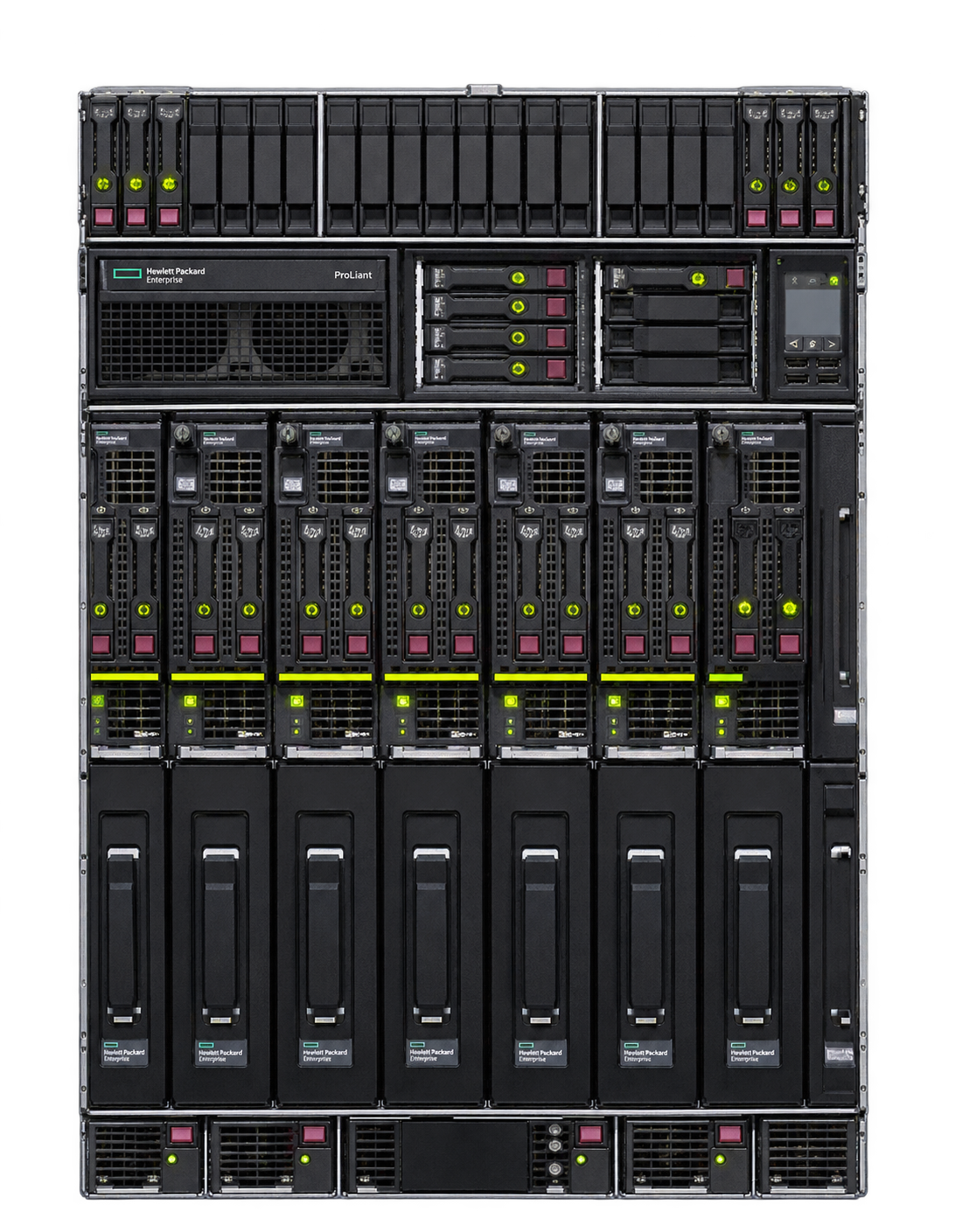
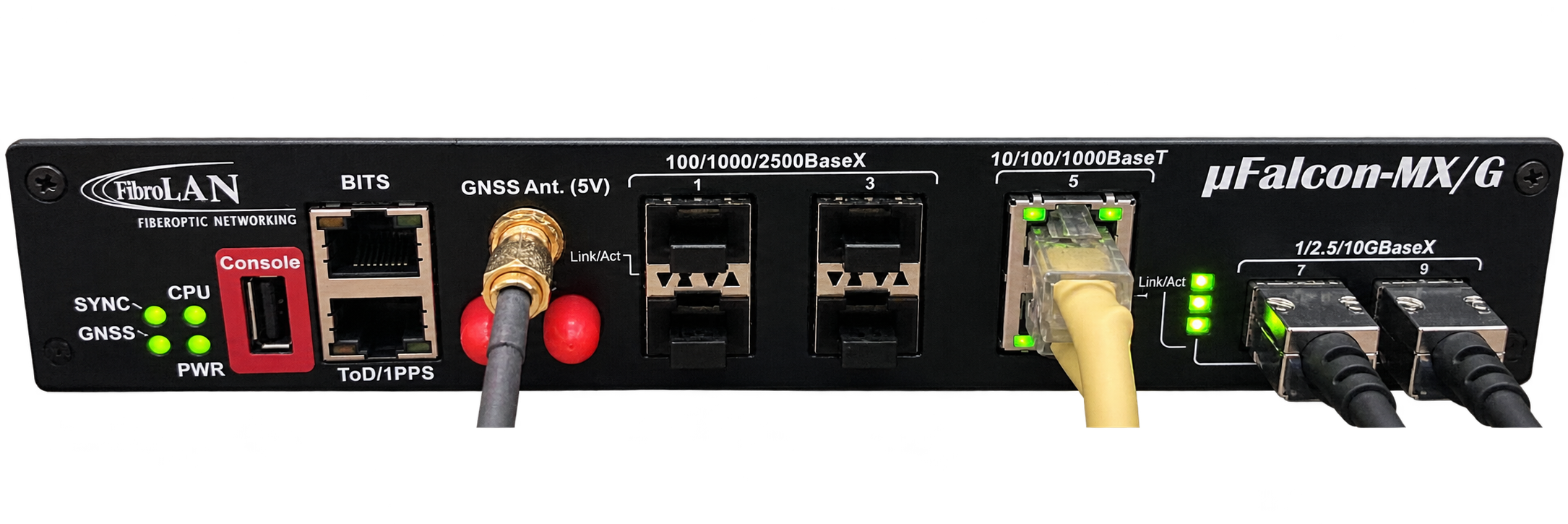
2. SLICES-RI post-5G Blueprint resources
Access the following resources for post-5G experimentation:
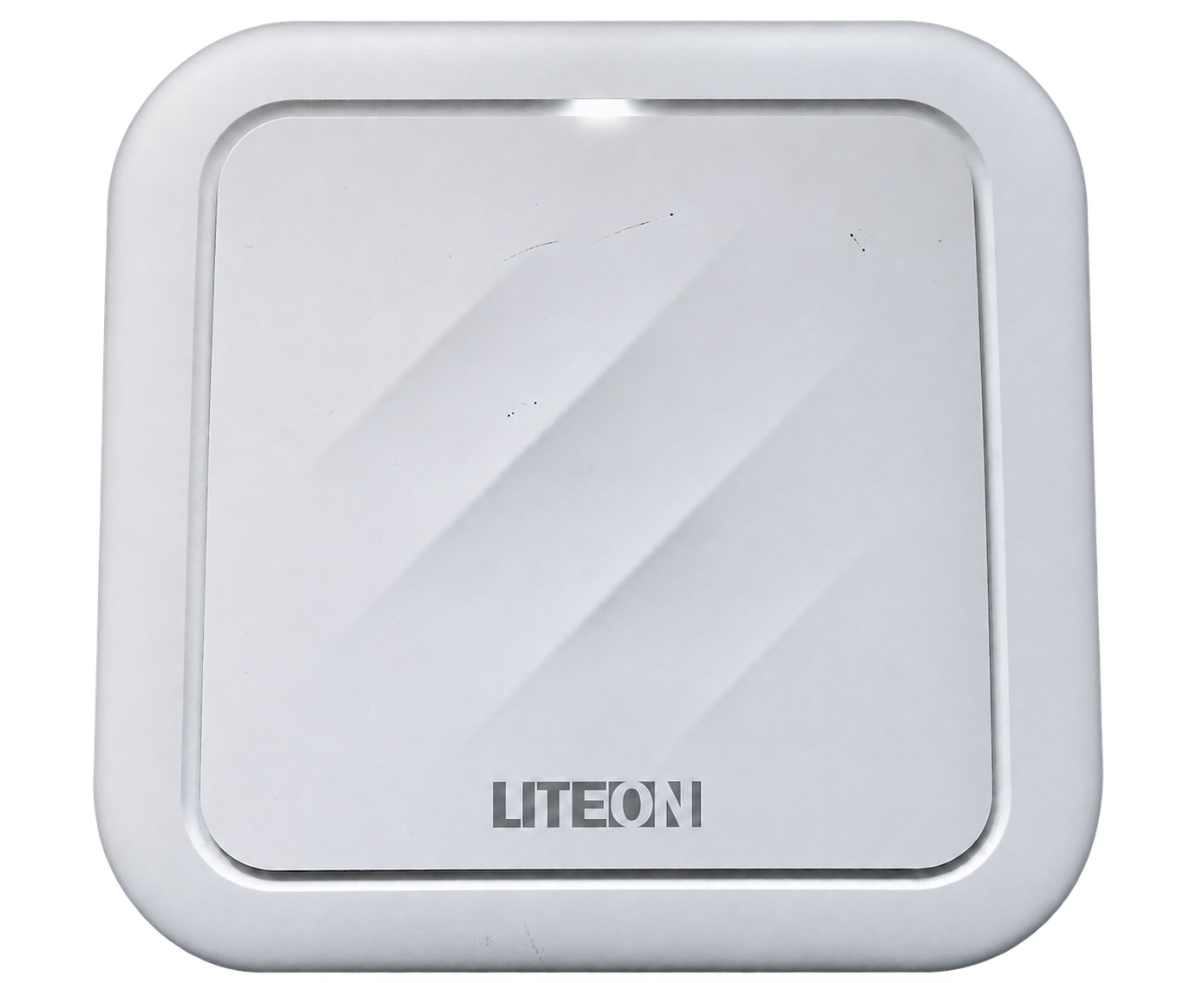
- 2 × LITEON O-RUs, PTP synchronized
- 2 × USRP N310
- 2 × USRP B210
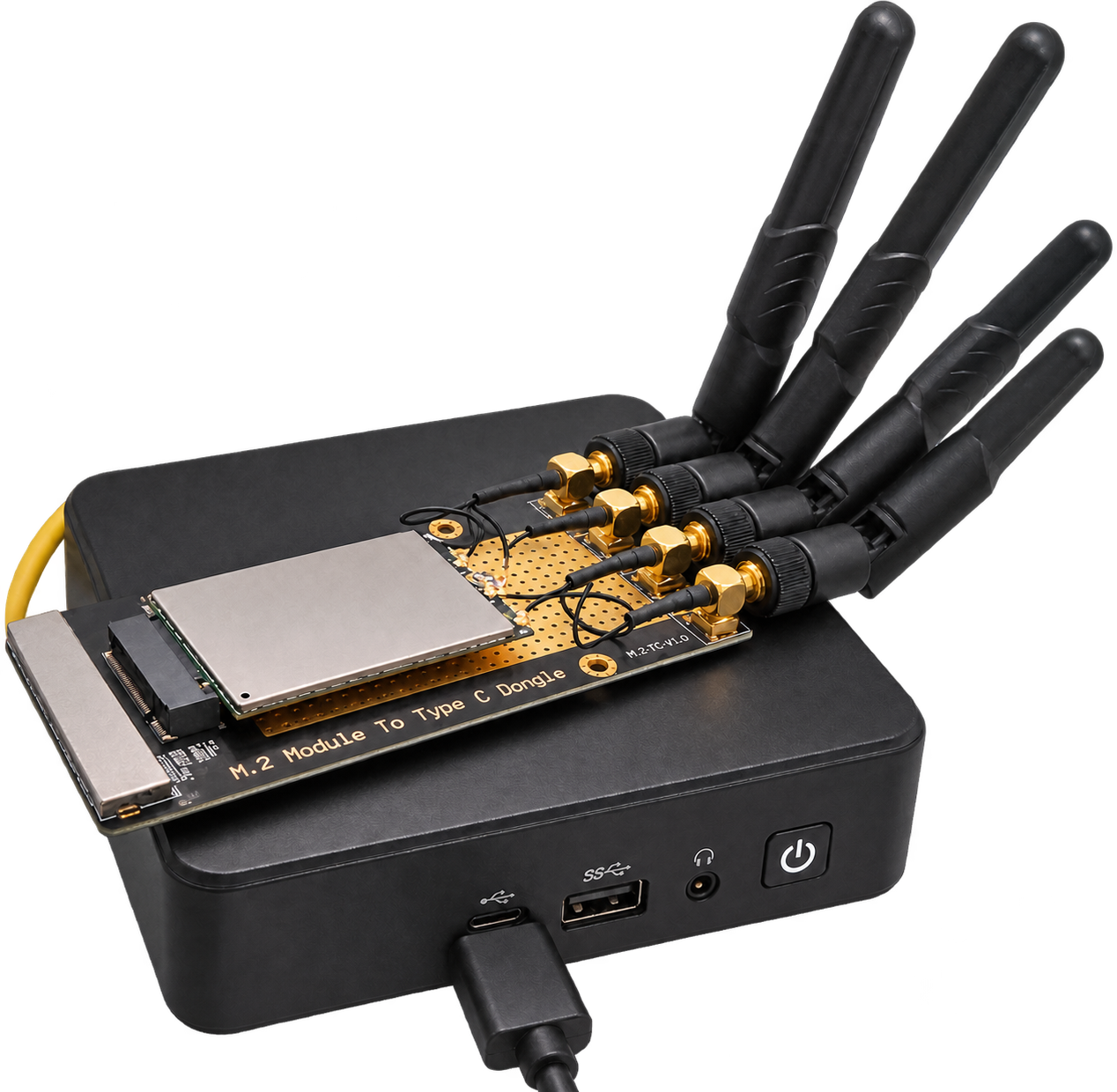
- 4 × Quectel RM502Q modems for connecting to the network
3. SLICES NITOS nodes for USRP and WiFi experimentation
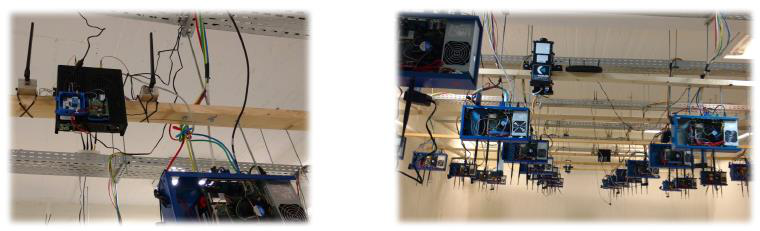
Access SLICES NITOS nodes for experimentation with USRPs and WiFi networks.
- Up to 50 nodes organized in a grid setup
- Load custom images on the nodes for your experiments
4. Lightweight Jupyter environment
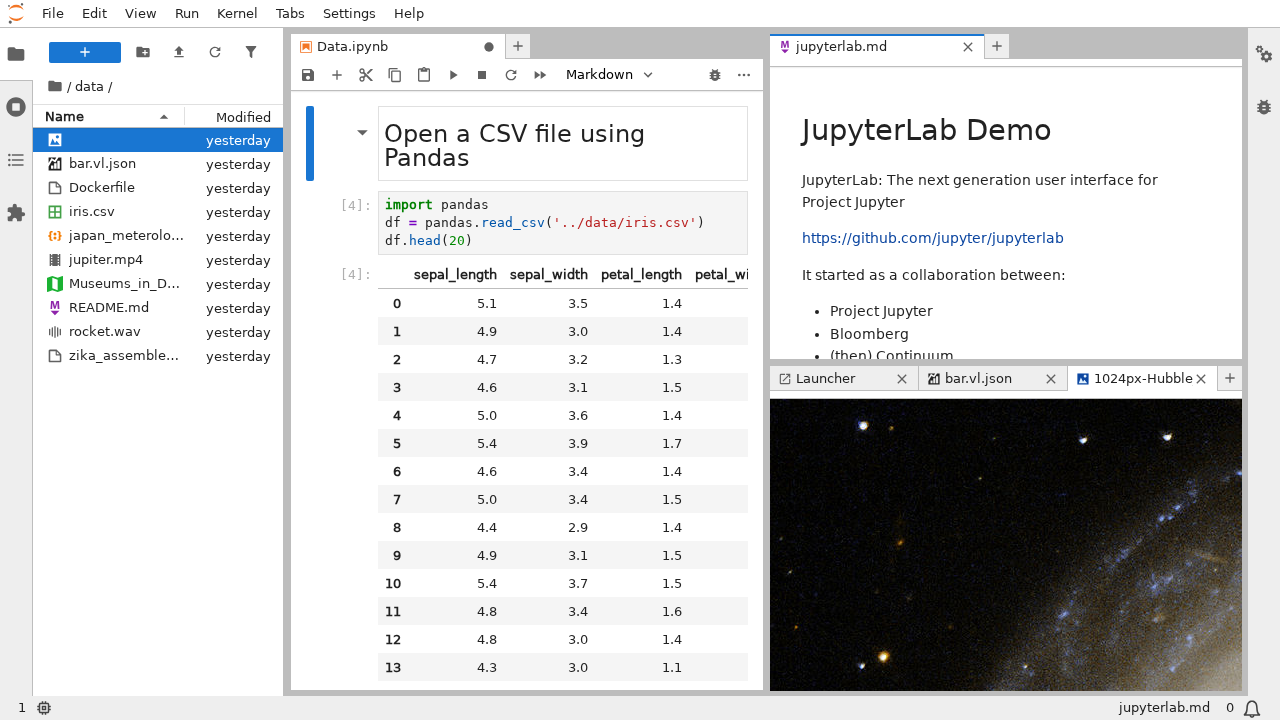
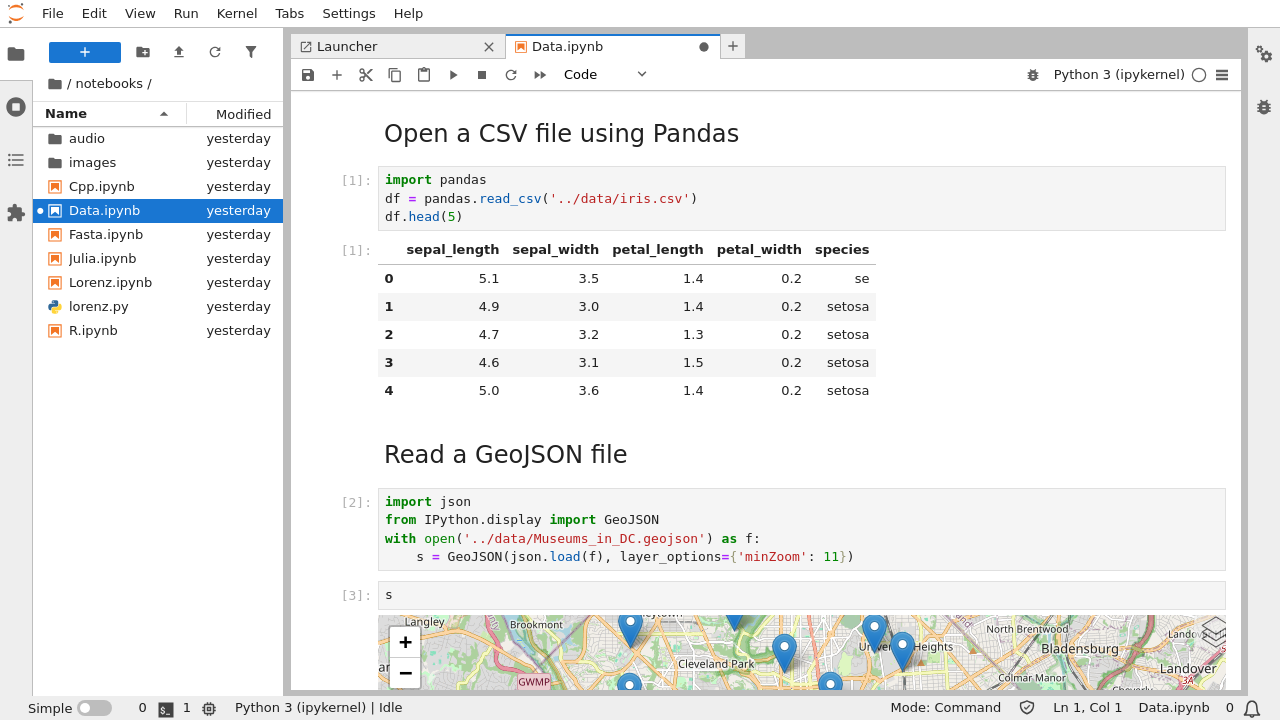
- Quickly spawn a notebook to kick off your work in a structured environment
- Use notebooks to access NITOS or Basic Infrastructure resources
5. S3-based long-term storage
Store and retrieve research data using S3-compatible long-term storage, available with SLICES-RI credentials.
- Sign in to the storage console with your SLICES-RI account
- Use the public S3 endpoint with compatible clients and SDKs and the access credentials issued for your storage account
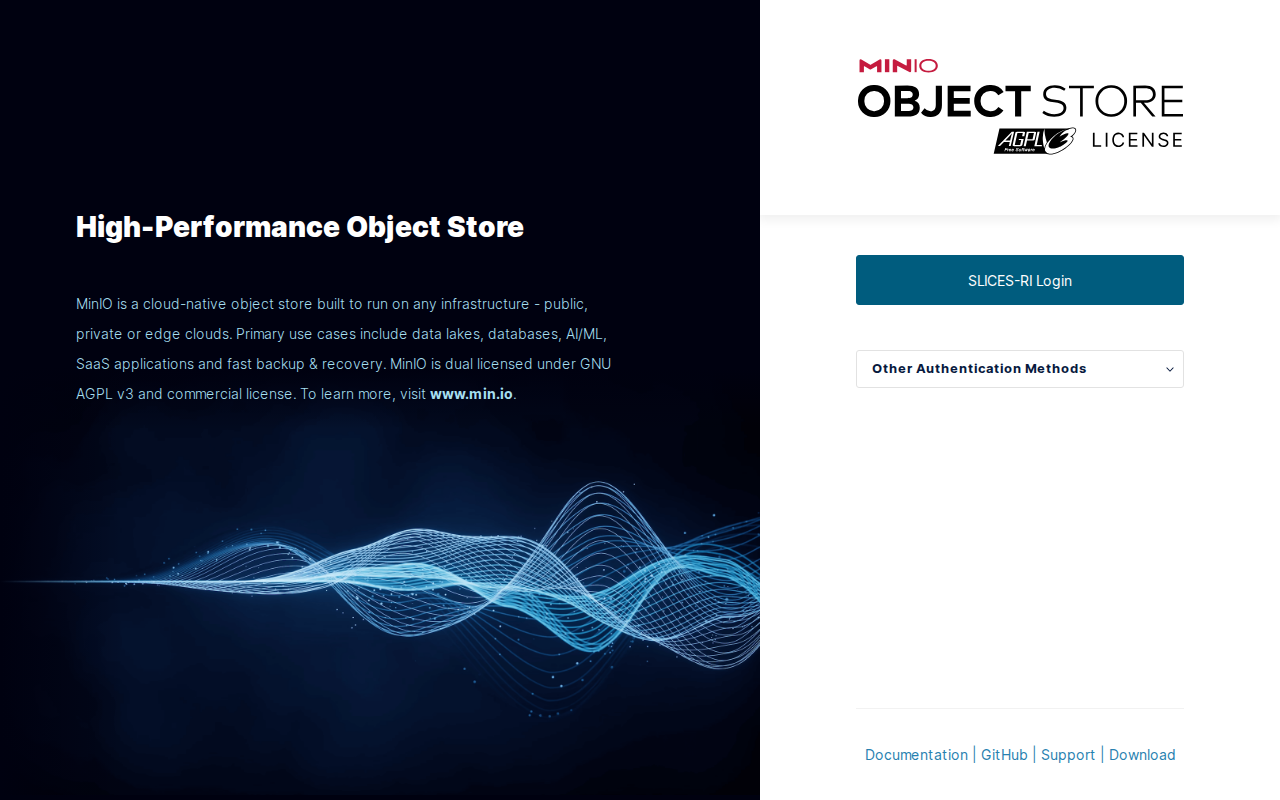
S3 endpoint: https://s3-storage.slices-gr.eu/
Background figures are drawn from the supplied node material. The current offering above reflects the inventory provided by the SLICES-GR team; contact the team for access requirements and availability.